Windows based points scoring application for fishing clubs based on the species caught and/or released by members and/or non-members on a trip or competition.
Developed originally in 2005 in consultation with a number of fishing clubs. It is a legacy application, so is simple to use and can save you and your club valuable time in maintaining members, trophies, trips / comps and scores.
Save time as data is entered only once
Information can be easily retrieved from the system – ‘ the information is at your fingertips’
No requirement for any third party spreadsheet or database software to operate
Back up or store club data in any number of locations
Security with multiple access levels (Administrator, Scorer and Member)
Ability to archive and lock scores from previous fishing seasons
Automated scoring calculations based on weight or length or fight factor (in scorer access)
Improved reporting ability as the software can provide standard reports for any year (season)
No internet connection required to use the software
FishScore is available as freeware. Simply click on the download link.
Various customisation, support and onsite installation options are available. Please contact us for more information.
System Requirements: Microsoft® Windows 32 bit versions.
Automated scoring calculations based on weight or length or fight factor.
Save time as data is entered only once - scores, trophies and awards.
Software can provide reports for any year (season).
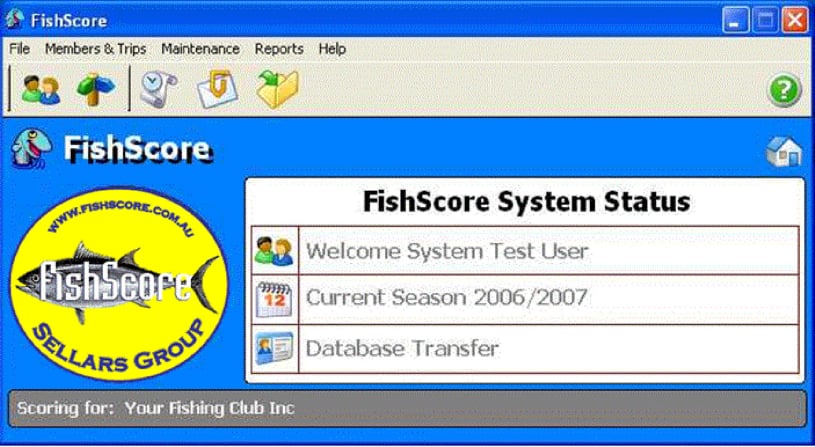
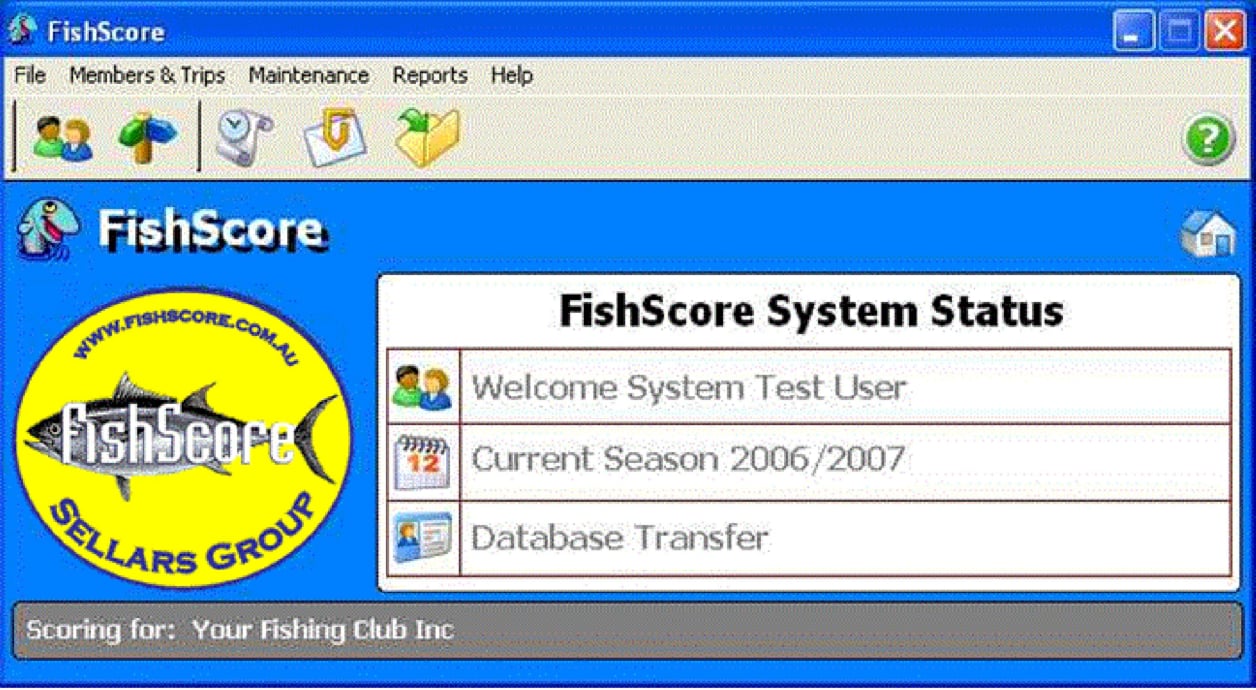
All scoring and updating of details can be done from the one main screen.
Records:
Member and non-member details
Grading and classification history for each member
Trip or Comp details
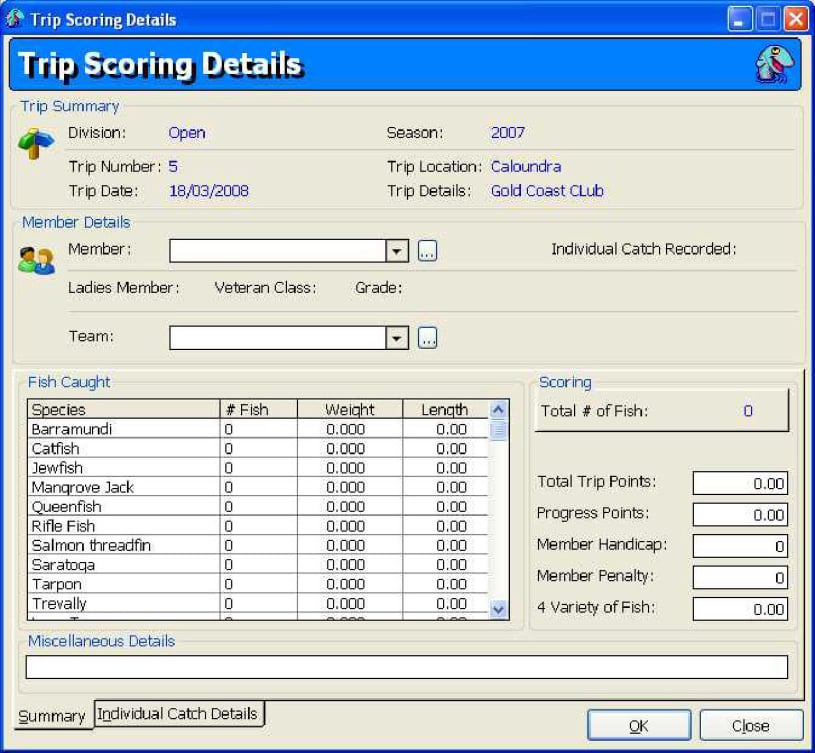
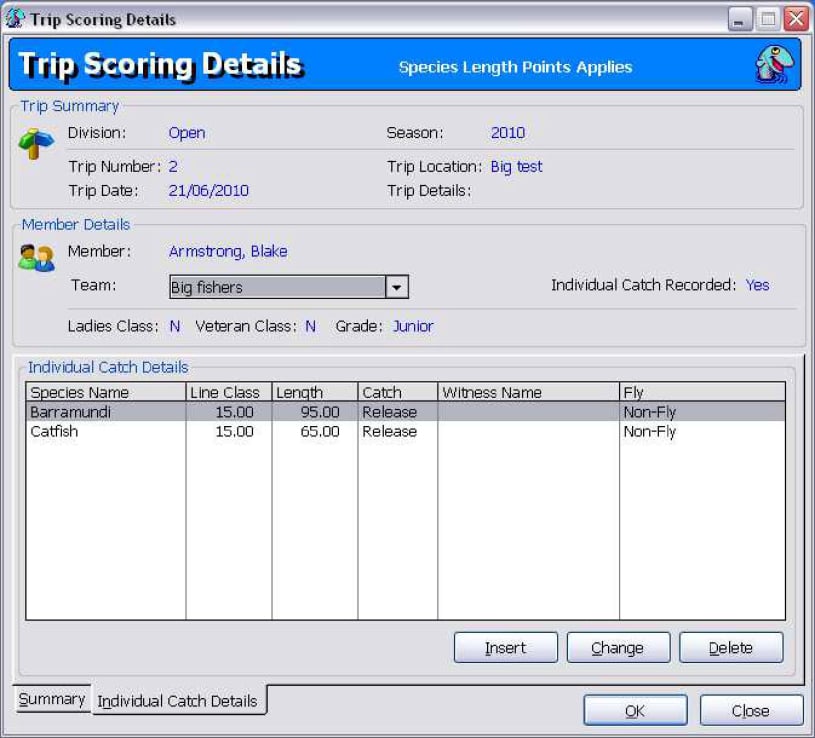
Score number and length or weight per species for each trip member
Calculation of points scored including any penalties or handicaps
Trophy winners for each trip and fishing season
Full ability to maintain system reference data
Ability to import, export or remotely transfer system data
Full fishing and awards history of members
Easily produce ‘end of year reports’ such as trip and trophy winners plus winners’ certificate
Track current championship winners in all divisions
Improved reporting ability as the system can provide standard reports for any year (season)
Flexibility to create custom reports as all data can be exported to xml format
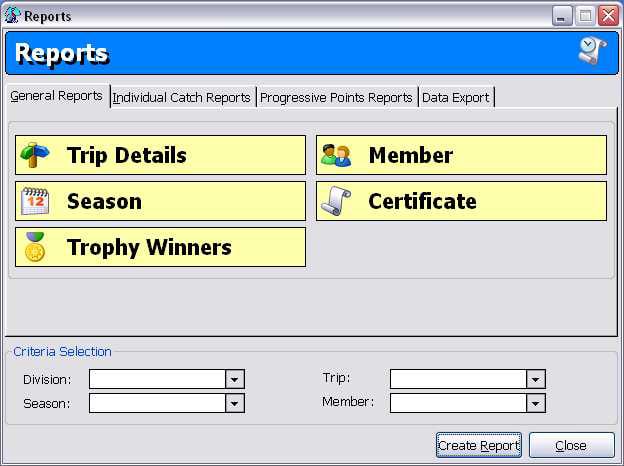
Member Report - Summary report showing the grade history, trip history (including catch details for each trip), trophy and awards history for selected member.
Season Report - Summary report showing members grouped by their grade for the selected season and division. Displays the catch details for the member including species, total number caught, total size / weight and total points for that season.
Trip Details Report - Displays the catch details for each trip member including species, number caught and weight. It also shows the points winners for the trip.
Trophy Winners Report - Summary report showing the season points winners per grade, the trip winners and the trophy winners for the selected season and division.
Certificate - Produces a certificate for particular member displaying number of different species caught during selected season.
Progress Scores Report - Displays progressive points of members by grade for current selected season. Shows points by individual trip and progressive total.
Championship Scores Report- Depending on the division setting of the number of trips to base report on, report displays the championship progressive points for each member for the selected season.
Trip Catch Details Report - Displays the individual catch details for each trip member or non-member including species, weight, length, line class, whether caught or released and if caught on fly.
Biggest Species Report - Summary report showing the catch details for each member per species based on length then weight for selected division and season.
Points by Line Class Report - Summary report showing the catch details for each member per species based on line class then length then weight for selected division and season.
Caught by Fly Report - Summary report showing the catch details for each member based on points for 'Fly' and 'Non-fly' categories for selected division and season.
Catch and Release Report - Summary report showing the catch details for each member per grade and based on whether species caught or released for selected division and season.
Team Trip Points Report - Displays the team points details for each trip member and non-member of the team including number caught and points for selected trip.
Install Options:
Once you have downloaded the file FishScoreV4.9.zip, please open it and view the 'readme.txt' file first. After viewing this file, simply click on FishScore-4.9-Setup.exe to install.
During the installation process you will be required to select an install option. We recommend you select option 2 which will install all files onto your computer. The other options relate to using this software on a server.
1. Local Client - installs application files only to this computer.(for server selection)
2. Full Client + Data - installs application files and data files to this computer.(Recommended Option as installs all files onto your computer)
3. Data Install (Server) - installs the data files only to this server. Is used in conjunction with option 1.
Initial Login to FishScore:
On initial login, the User Id and Password is guest. You can then create a new user by selecting FILE then USER DETAILS then USER ACCESS from the menu bar.
Please note that you must setup a user with Administrator security access, otherwise you will not be able to add or delete users. It is safe once a new Administrator user is created to delete the guest user.
Initial Login to FishScore:
On initial login, the User Id and Password is guest. You can then create a new user by selecting FILE then USER DETAILS then USER ACCESS from the menu bar.
Please note that you must setup a user with Administrator security access, otherwise you will not be able to add or delete users. It is safe once a new Administrator user is created to delete the guest user.
FishScore Setup:
1. Score Settings - Select FILE then SYSTEM CONFIGURATION from the menu bar. In section SCORE SETTINGS, you can select summary or individual fish scoring, attribute the points for weight (you can substitute length for weight) and for each fish caught, as well as handicaps. Handicaps affects the trip winners calculated by the system.
2. Enter the Divisions - Select MAINTENANCE then DIVISION from the menu bar. Divisions can used to group the club's competitions or trips into areas such deep sea, surf or open. You must have at least one division.
3. Enter the Grades - Select MAINTENANCE then GRADES from the menu bar. Grades are the different categories within the division. For example, senior, junior or ladies grades. You must have at least one grade per division.
4. Enter the Season - Select MAINTENANCE then SEASON from the menu bar. Season is the fishing year. It includes details such as scoring selection (weight, length or both), measurement and whether the season is the current year you are scoring for.
5. Enter the Species - Select MAINTENANCE then SPECIES from the menu bar. The different species are allocated to the different divisions, so you can have the same species being in a number of divisions.
6. Enter the Trophies - Select MAINTENANCE then TROPHIES from the menu bar. These trophies can be allocated on a per trip or on a seasonal basis.
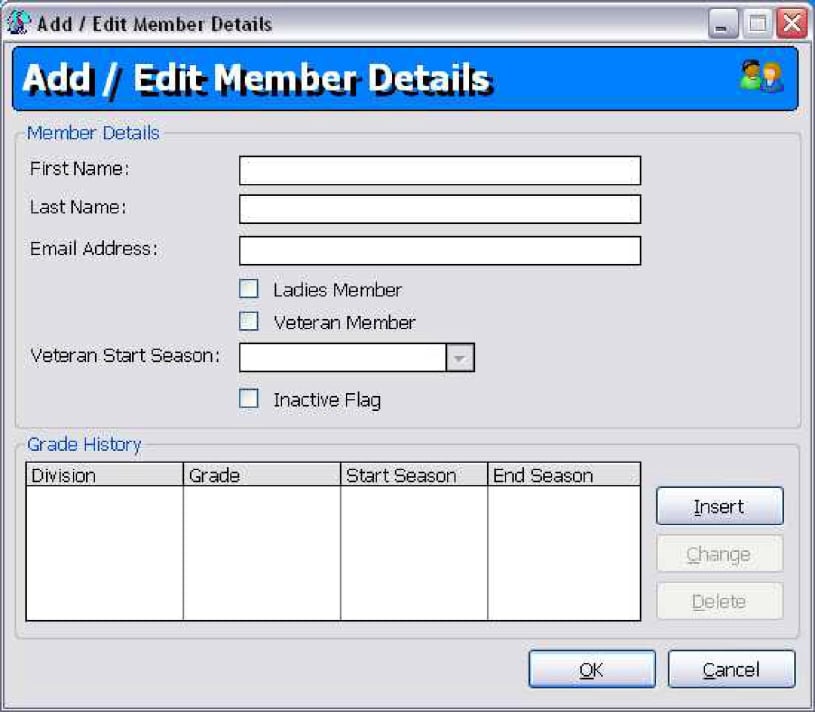
7. Add your Members - Select MEMBERS & TRIPS then MEMBERS from the menu bar. Each member will need to be allocated a division and a grading for them to be accepted. A member can be in a number of divisions but can only have one grade per division.
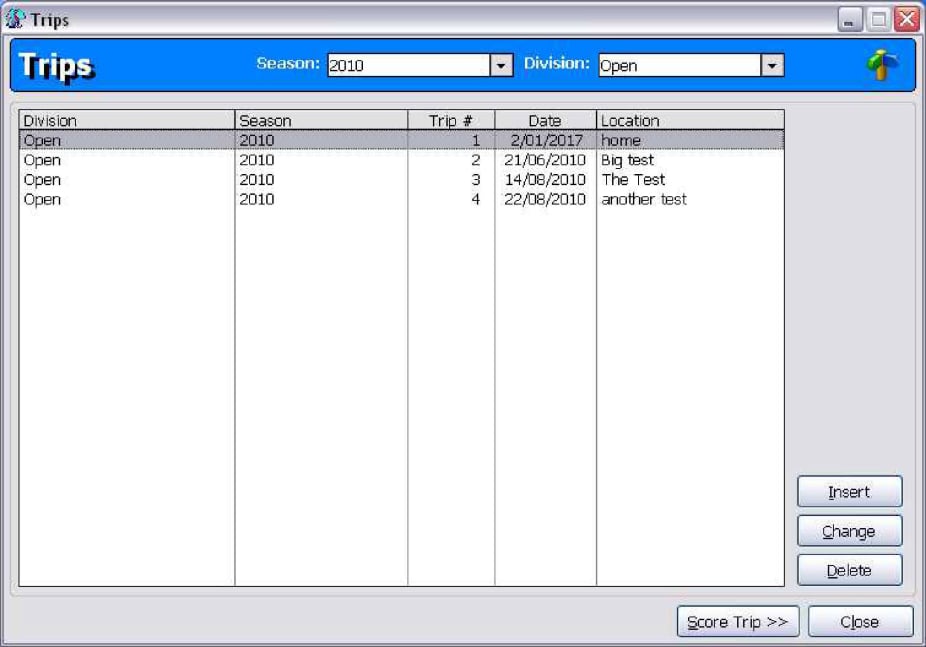
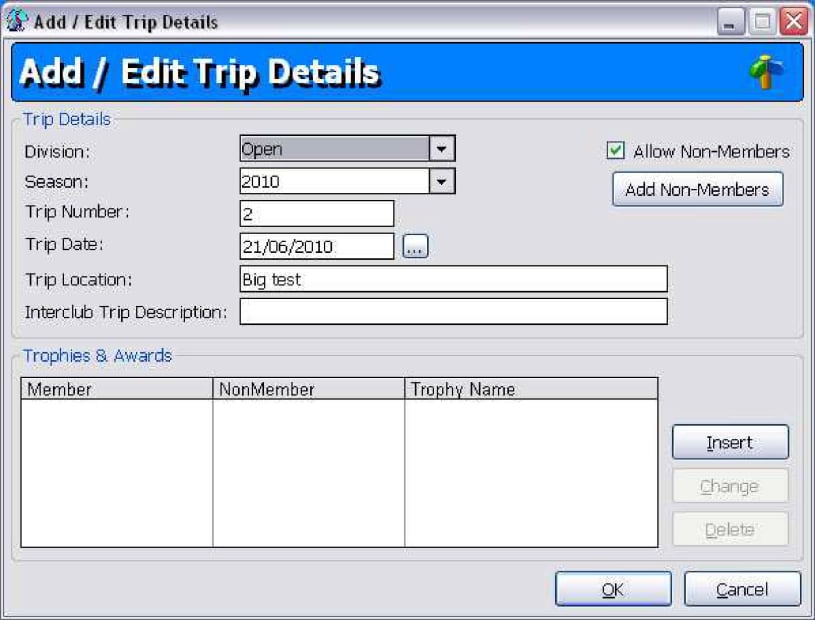
8. Add your Trip - Select MEMBERS & TRIPS then TRIPS from the menu bar. Enter the details of the trip plus relevant winners of trophies for this trip.
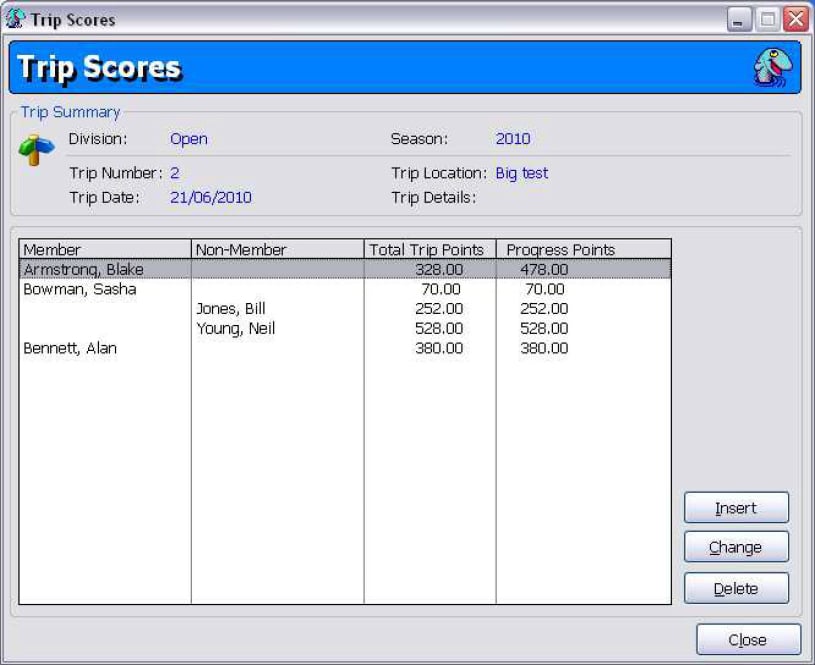
9. Now Score the Trip - Make sure that you have selected the desired season, division and have highlighted the relevant trip then click on the SCORE button.
Scoring screen summary